Add Events
There are three road maps to creating Events.
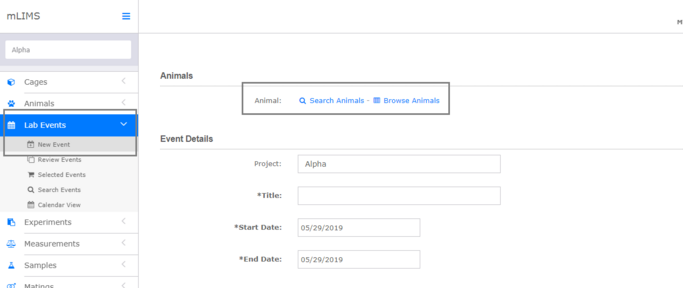
1. Go to Lab Events - Events
You will need to use the Search or Browse animals function to add animals to the event.
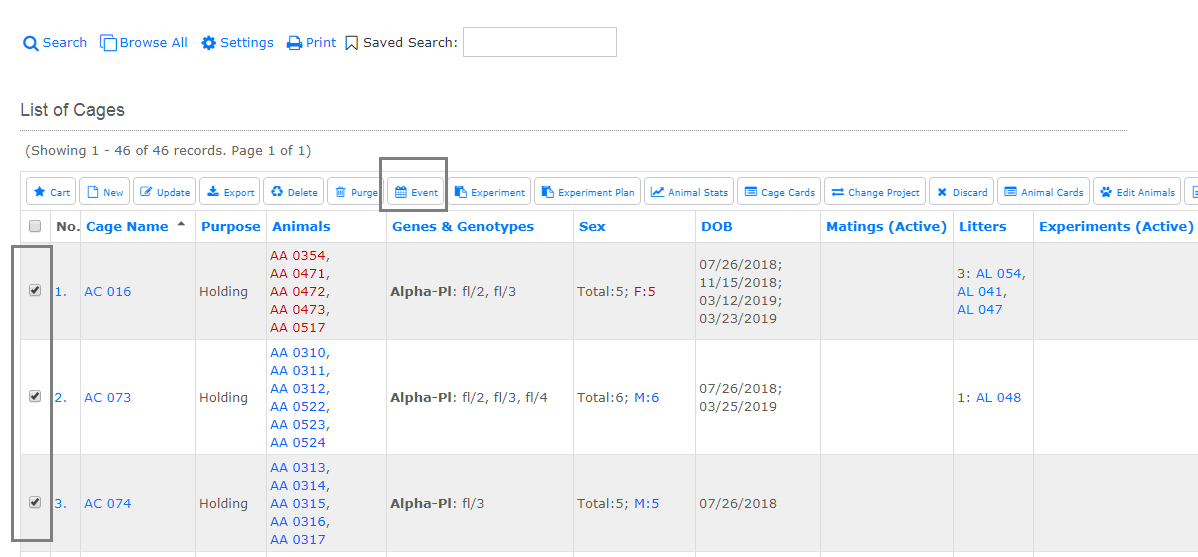
2. Select one or more cages from a list and click the Event Action Button.
When you set up the event, the animals will be ready for you to select.
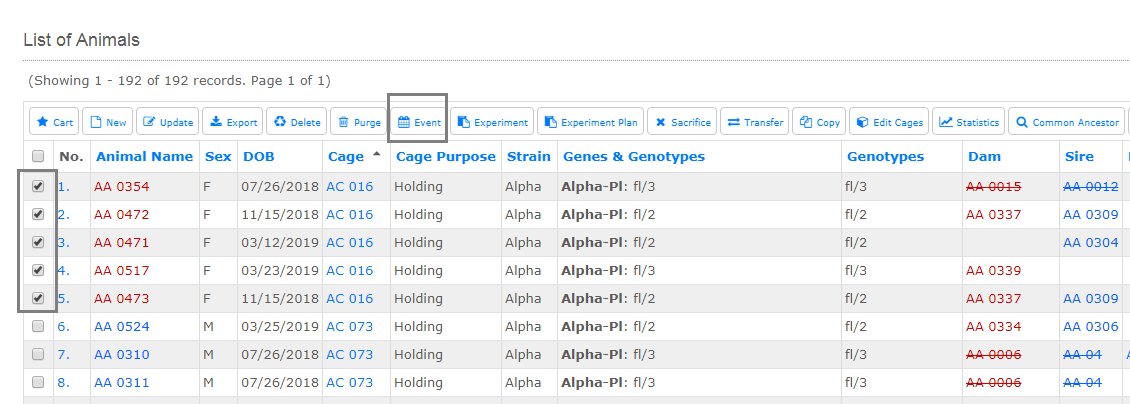
3. Select one or more animals from a list and click the Event Action Button.
When you set up the event, the animals will be pre-selected for you.