Project Cage Locations
Projects - Create New Projects - Project Locations
Hint: You can manage multiple tabs and submit once when all tabs are completed.
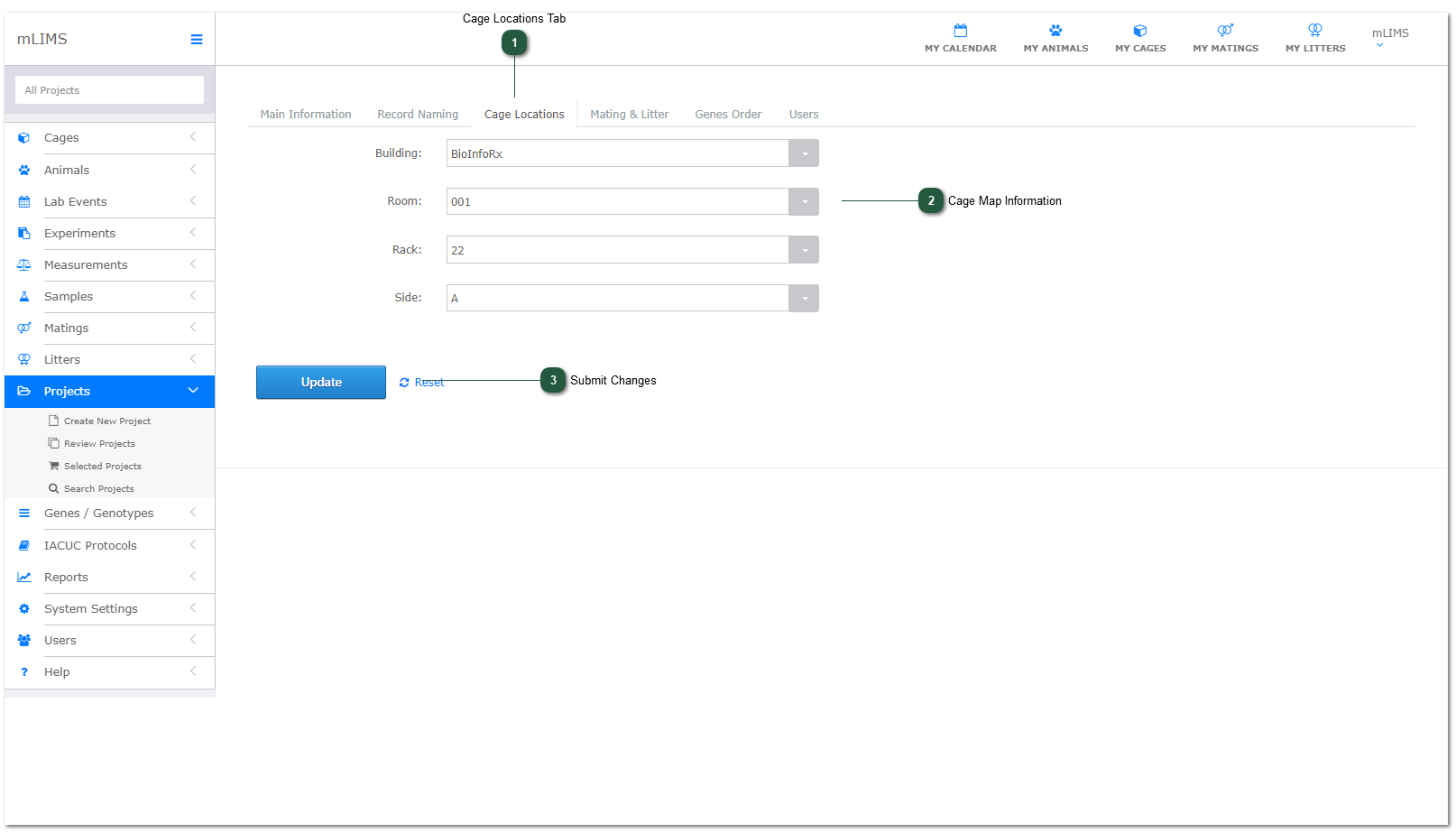
If you use cage maps, you can identify specific map locations for each Project. This section is optional. Everything but row and column will be pre-filled when you add cages.
- Cage Locations Tab
Navigate to the Cage Locations Tab.
- Cage Map Information
Use the Auto-Generated Dropdown Menus to specify cage locations for this Project. Cage Locations are set up in System Settings - Cages.
- Submit Changes
Submit Changes or proceed to the Mating and Litter Tab.